Birthday top dog
Celebrate an adoption day or birthday with a confident entrance and festive color.
Prompt idea “A corgi birthday headliner, playful bounce, colorful party lights, treats on the set, camera moves on the beat.”
Hookai · AI Rap Video Generator
Upload a clear pet photo, choose the vibe and create a playful performance with motion designed around animal anatomy.
Samples below are free to watch · rendering needs credits · failed renders refunded
Watch the sample clips below for free, no sign-up. Rendering your own video needs an account and credits (Starter: $9.90 for 11 credits ≈ $0.90 per credit). Paid exports carry no watermark and failed generations are refunded automatically.
Turn a clear pet photo into a short, playful rap video. Choose a stage, describe a simple idea and review the duration, quality and credit cost before generating. Pet mode guides the model to preserve fur and markings and use animal-appropriate movement. No filming is needed, but identity and anatomy may vary; check the result before sharing.
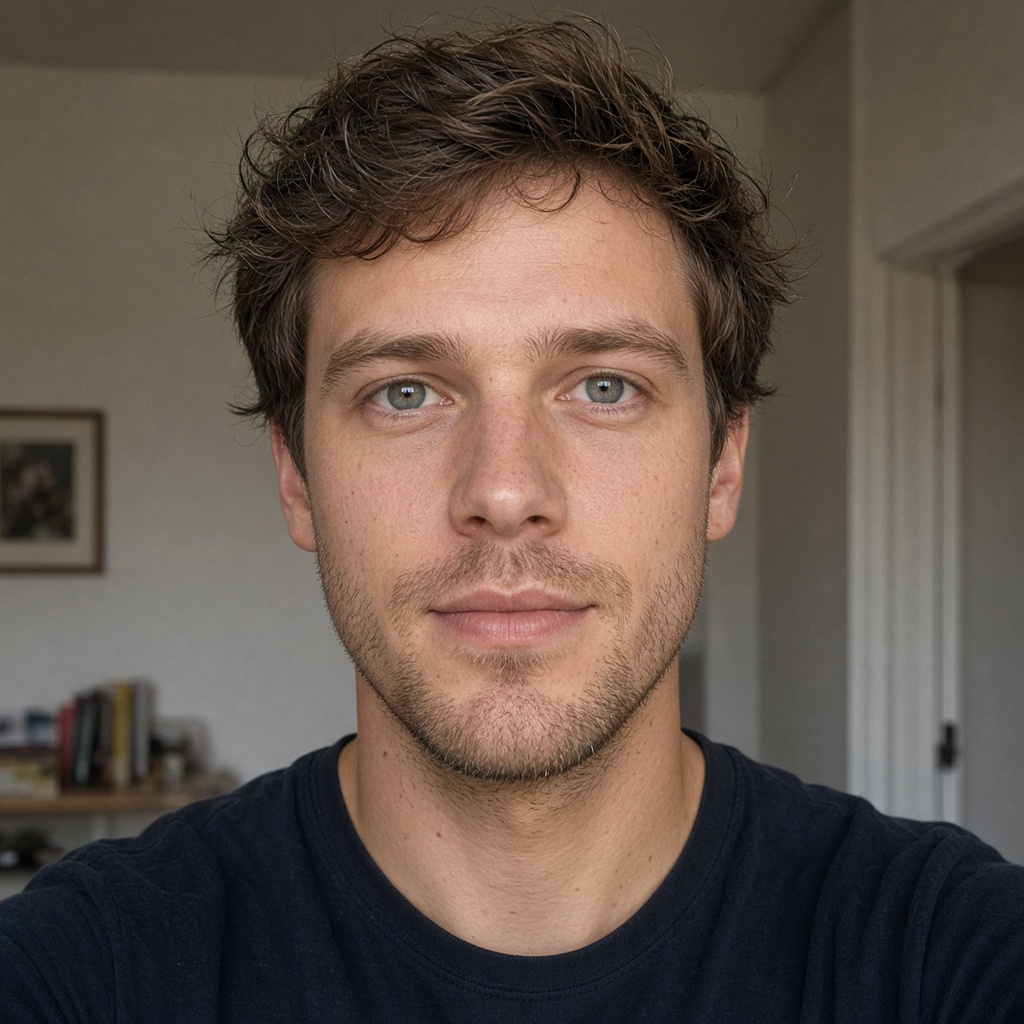
Shared studio demo with human performers — not a pet result.
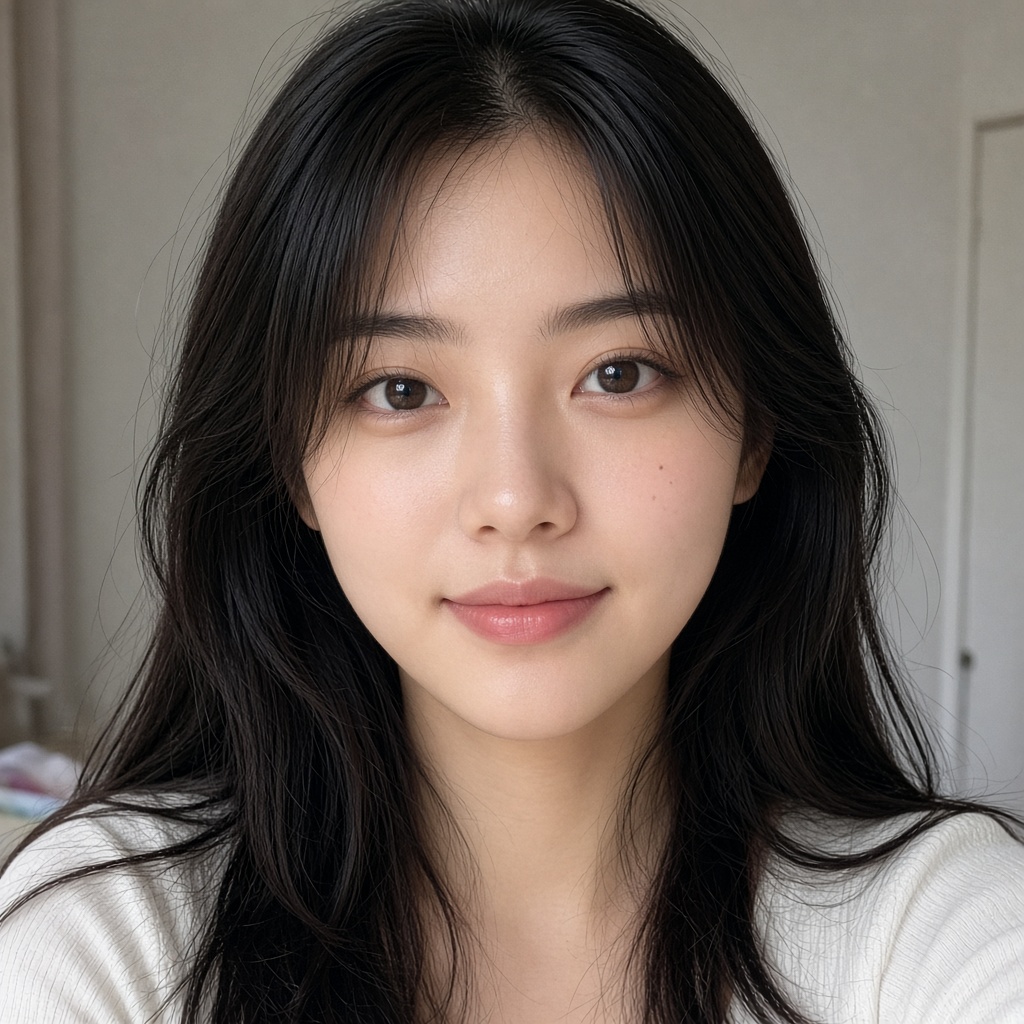
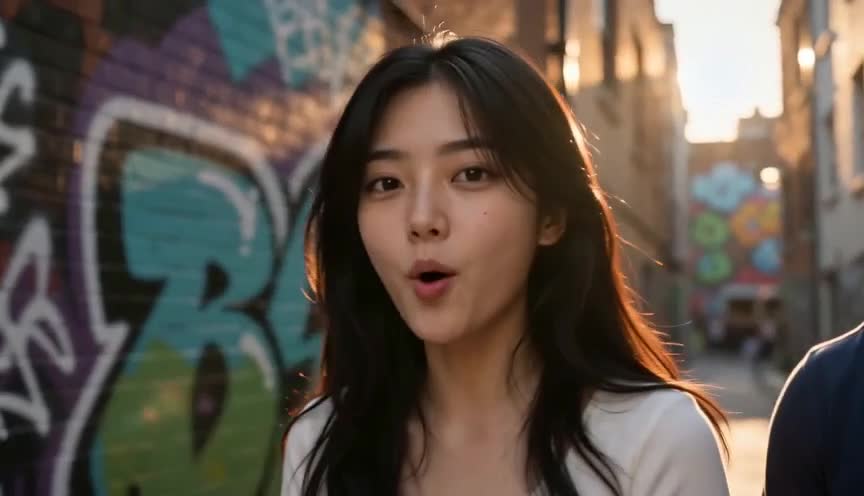
Street cypher
Streetlights and graffiti walls, bars landing on the kick, framed vertical for a short-form drop.
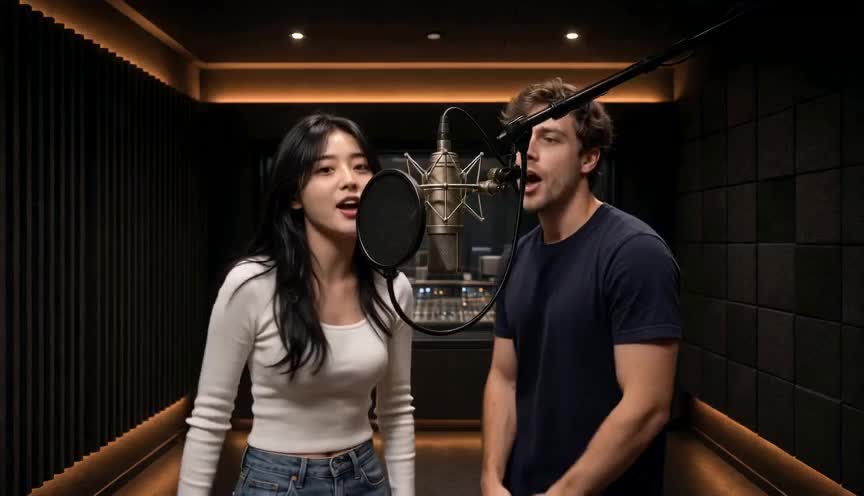
Studio take
One take in the booth, lip-sync on the hook, cut to the beat instead of to a template.
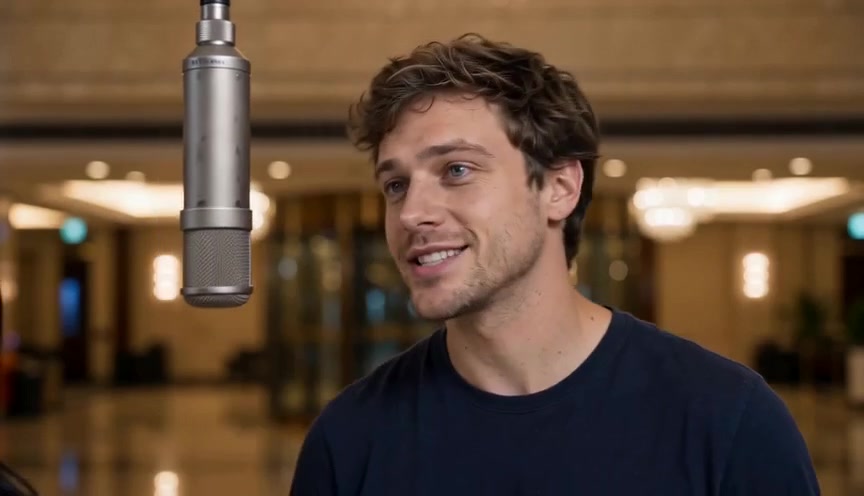
Duo track
Two photos trading verses in one shared frame — same faces all the way through.
A pet rap video turns a photo of your dog, cat or other companion into a short, playful hip-hop performance. Pet mode asks the model to preserve fur, markings and animal anatomy while adapting the movement—without pretending every frame will perfectly match your pet.
Specific, simple ideas work better than stacking many actions. Use these as a starting point and make the details your own.
Celebrate an adoption day or birthday with a confident entrance and festive color.
Frame an everyday walk like a larger-than-life album intro.
Put two pets in one group photo into a friendly shared spotlight.
Use a sharp, well-lit image where the face, markings and body shape are easy to see. Avoid costumes that cover key features.
Choose a scene and ask for natural movement such as paw steps, a head bob or a confident pose.
Review duration, format and live credits. Try a short clip first because generated identity and anatomy can vary.
Choose the studio, compare credits or explore another way to make a rap video.
Upload a clear pet photo, choose a scene, describe a simple pet-safe action, review duration and live credits, then generate.
It is designed for clear animal photos, including cats and dogs. Results for unusual species, long fur, costumes or multiple pets can be less consistent.
Not always. Fur markings, eyes, paws and mouth motion may change between frames. A sharp photo with one visible pet gives the model a stronger reference.
Pet mode uses the same live model, resolution and duration pricing shown in the generator. No separate pet-mode surcharge is added.
A clear group photo can work, but multiple subjects are harder to preserve consistently. Start with one pet for the most predictable first test.
A sharp, well-lit photo with the face or pet clearly visible works best. Avoid blur, heavy obstruction and busy backgrounds.
Not necessarily. AI video can change facial details, clothing, lighting or motion. Review the result before sharing and treat examples as representative, not a guarantee.
The current workflow generates native rap vocals and a beat from your theme. It does not accept a finished song or audio upload, so use a separate editor if you need custom audio.
Yes, when you use the supported two-photo or group-photo workflow. Use photos with permission from everyone shown, and review the current generator options before creating.
The available language depends on the generated vocals and the text you provide. Write your theme in the language you want to test and review the result before publishing.
The generator shows the available duration options and exact credit cost before you create. Short clips are generally better suited to social posts.
Often, if the face is clear enough. Low resolution, fading and damaged details can reduce consistency; restore or sharpen the image first when needed.
No. Hookai is a photo-based generator: upload a supported image, choose options and create a rendered video rather than applying a live camera effect.
Sample clips are free to watch. Creating a pet render uses the same account and credits as people mode; the exact cost is shown before you generate, and failed renders are not charged.
Usually a few minutes, depending on the model and queue. The studio shows progress and keeps the result under My Videos.
Yes, with a clear group photo or two separate photos. Multiple subjects are harder to keep consistent, so test a short clip first.
Yes. Vertical 9:16 is the default and fits TikTok, Reels and Shorts; 16:9 and 1:1 are also available. Download within 7 days.
Hookai does not use uploaded photos to train models. Photos and generated videos are deleted after 7 days. See the Privacy Policy.
Use a sharp photo with one clearly visible pet, avoid costumes that hide key features, and keep the requested motion natural. A short test clip is the cheapest way to check.
Upload a clear photo, choose a scene and review the credit cost before creating.
Make my pet rap video