Hookai · AI Rap Video Generator
AI Rapper Video Generator
Turn your photo or photos into an AI rap video with a Hookai scene, theme, vocals and beat.
Samples below are free to watch · rendering needs credits · failed renders refunded
Watch the sample clips below for free, no sign-up. Rendering your own video needs an account and credits (Starter: $9.90 for 11 credits ≈ $0.90 per credit). Paid exports carry no watermark and failed generations are refunded automatically.
What's new on this page
What is an AI rapper video?
An AI rapper video turns one or more permissioned photos into a short rap performance with a selected scene, theme, vocals and beat. Hookai lets you choose your photos and settings, review the live credit cost, then create a share-ready video for social platforms.
October 27, 2026 — Page published with the trend explanation, photo guidance and Hookai examples.
What you get
Six live samples — street, studio, duo, rooftop night, neon alley, and court. Each card goes from your photo(s) on the left to a real Hookai rap video you can play with sound.
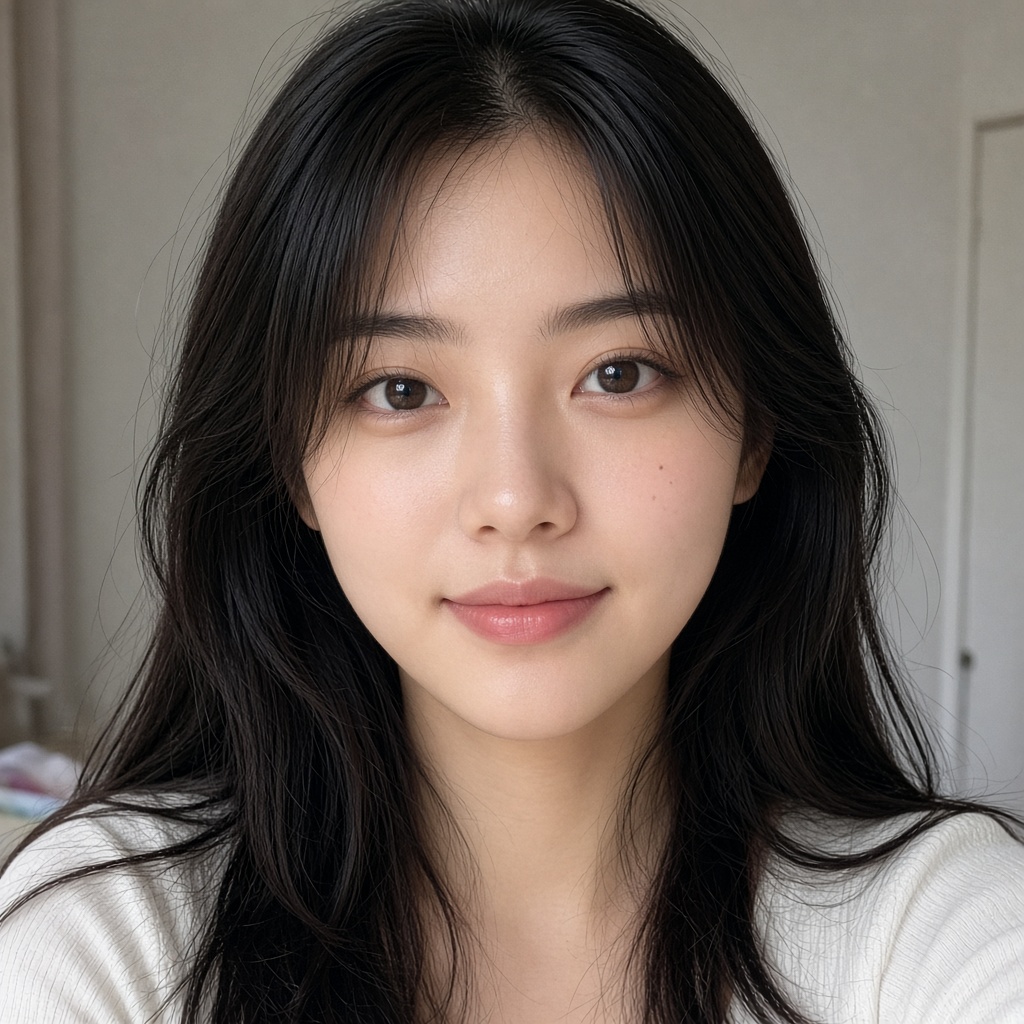
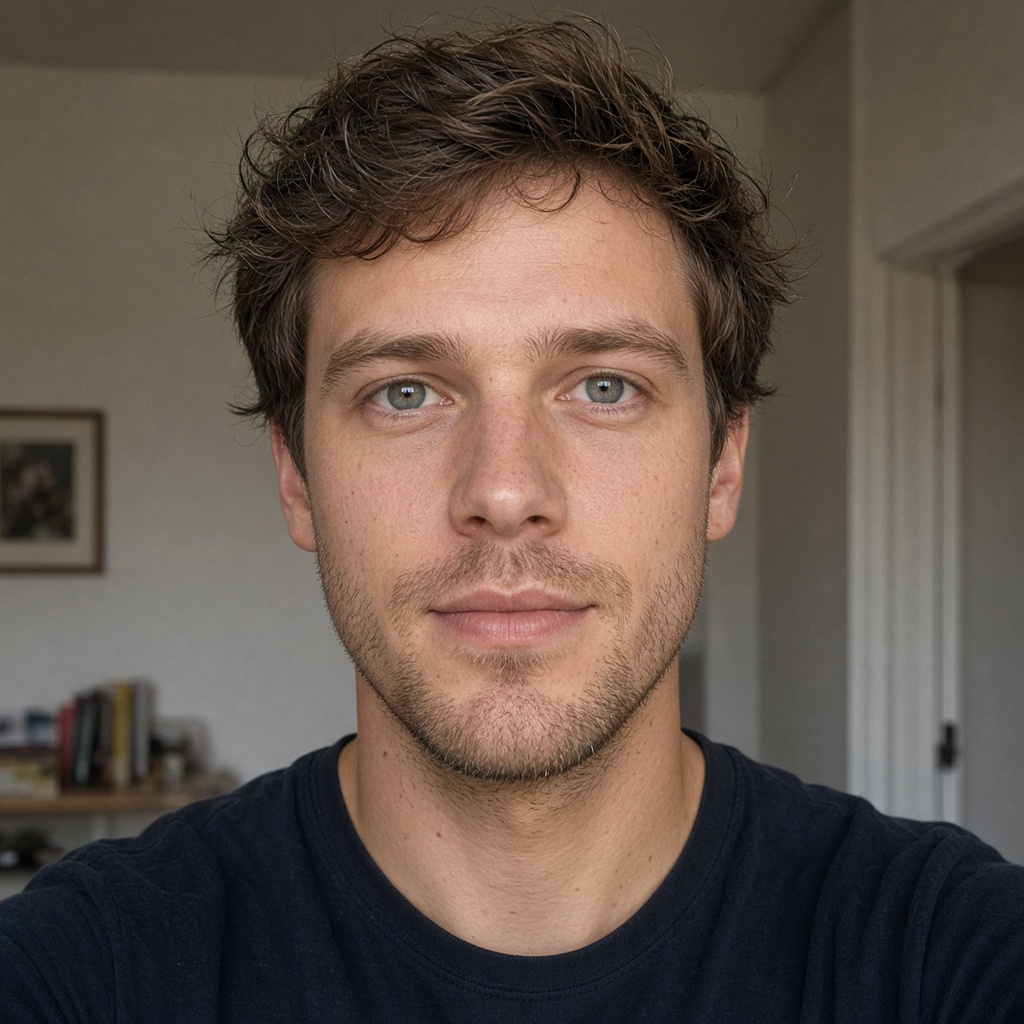
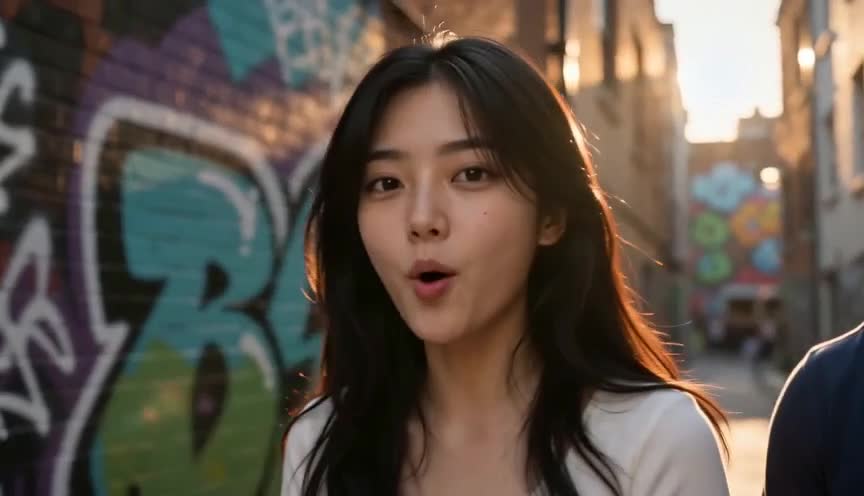
Street cypher
Streetlights and graffiti walls, bars landing on the kick, framed vertical for a short-form drop.
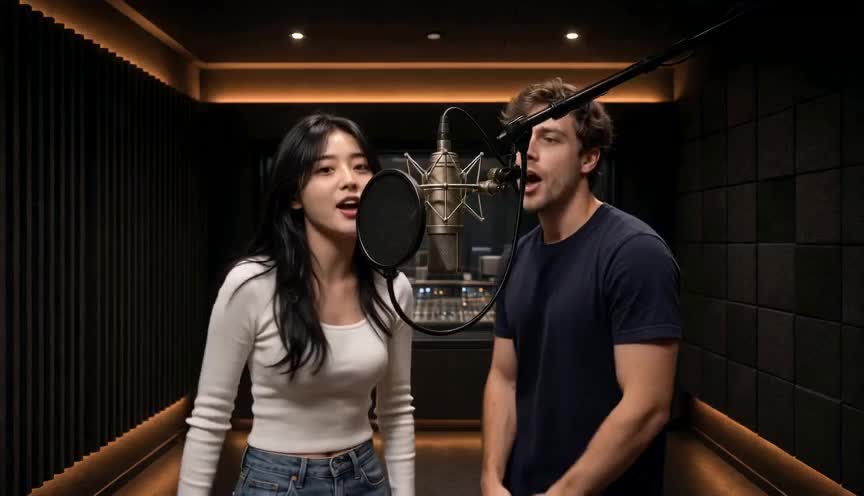
Studio take
One take in the booth, lip-sync on the hook, cut to the beat instead of to a template.
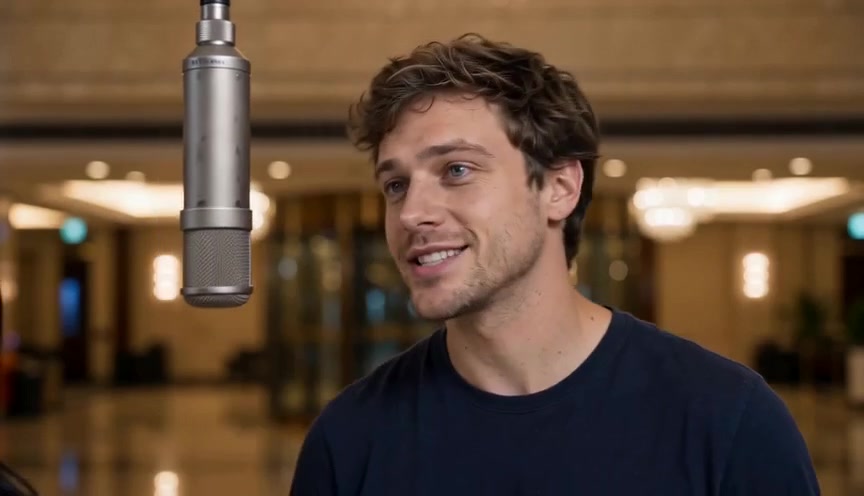
Duo track
Two photos trading verses in one shared frame — same faces all the way through.
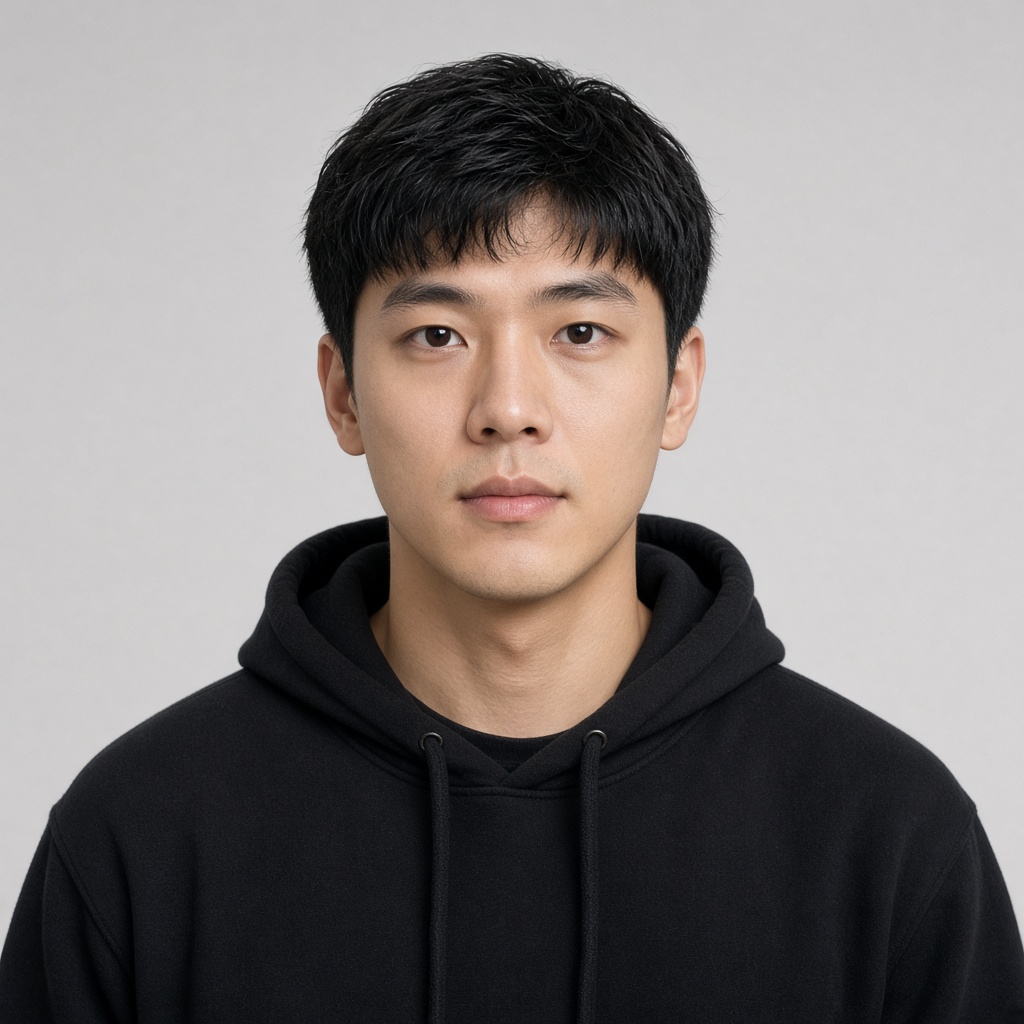
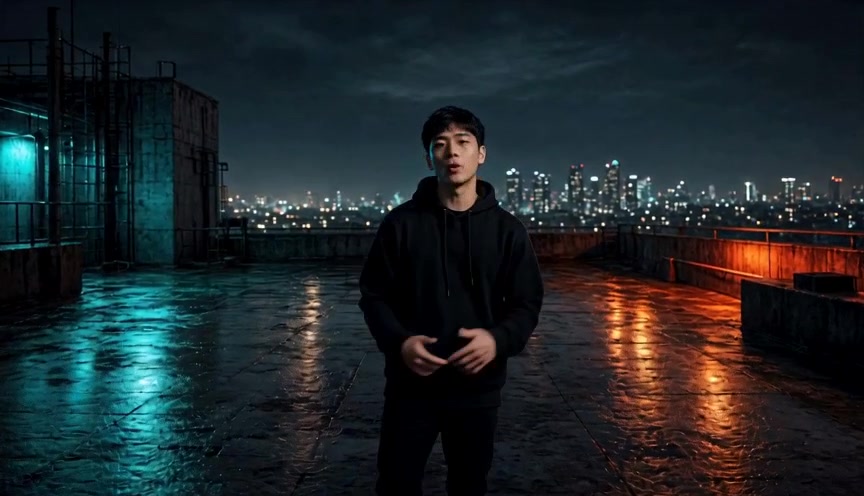
Rooftop night
Solo bars on a city rooftop after dark — skyline glow, confident delivery, short-form ready.
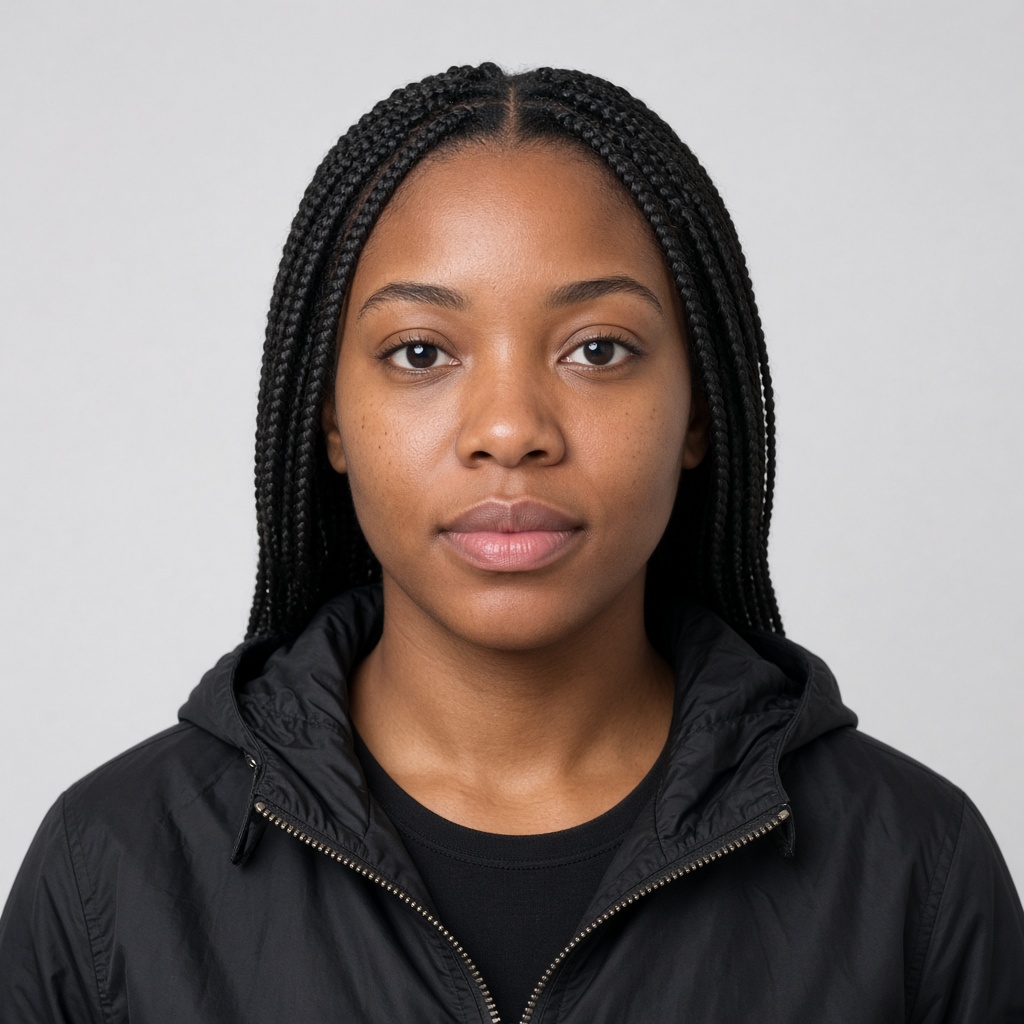
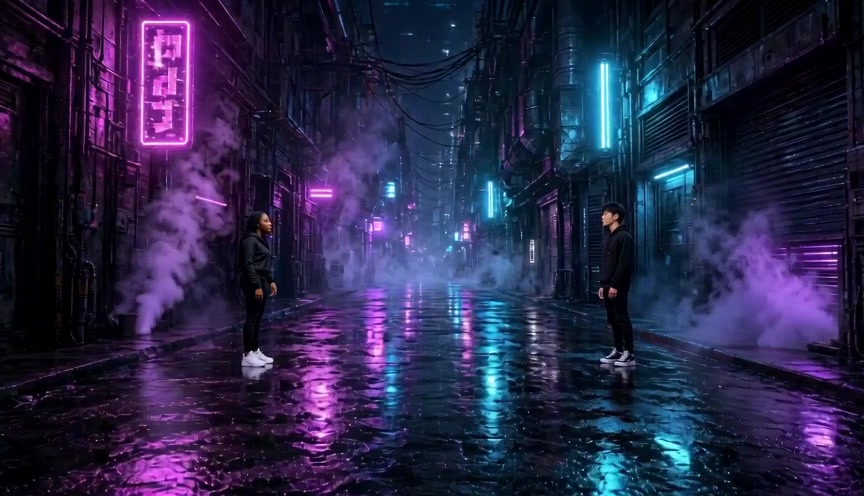
Neon alley
Two faces trading verses under purple and cyan neon — cyberpunk street energy.
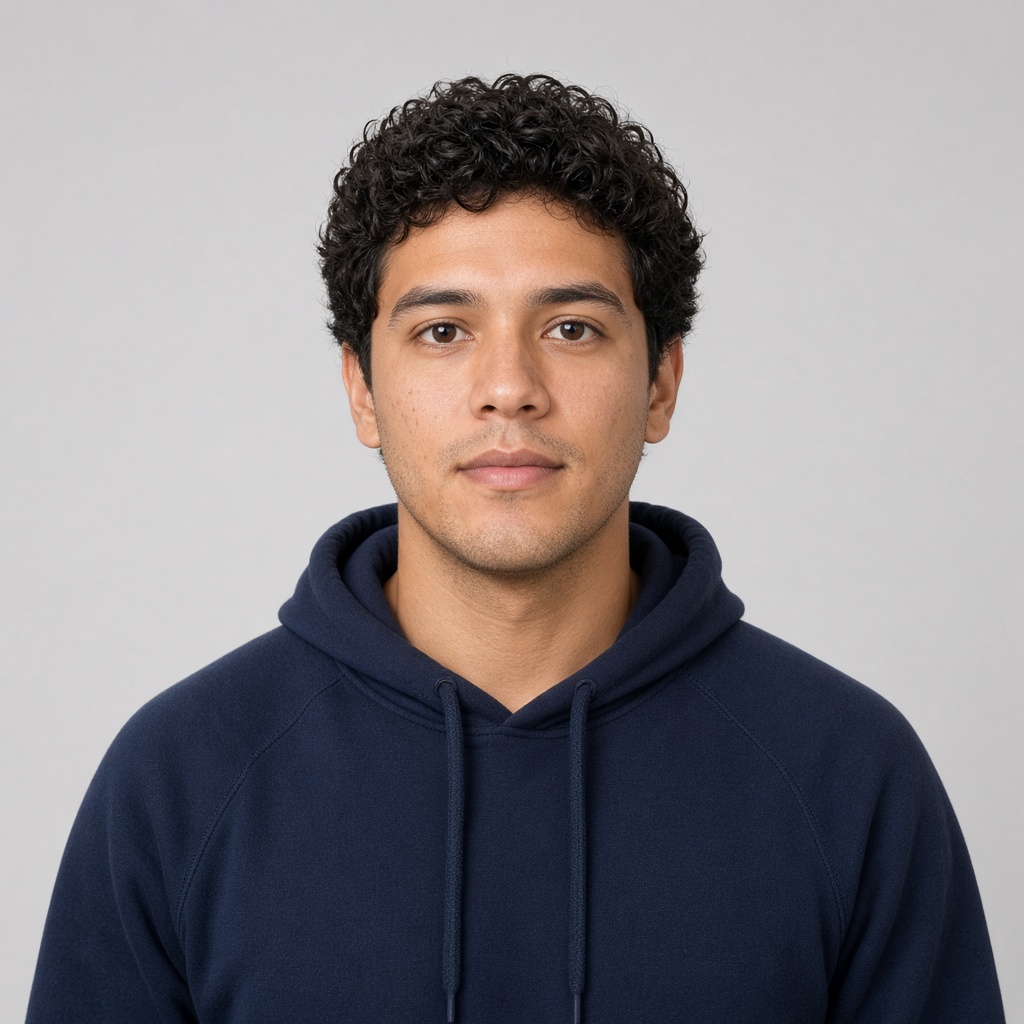
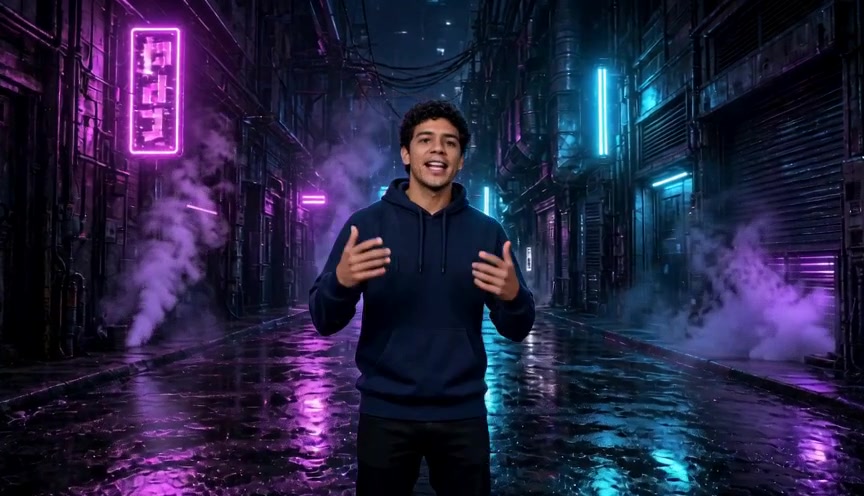
Court sunset
Golden-hour basketball court cypher — outdoor energy, group vibe, cut to the beat.
What is an AI rap video?
AI rapper and AI rap video are natural ways to describe a photo-based performance generated with motion, lip-sync and rap audio. Hookai uses your permissioned photo(s), a chosen theme and an available scene; it does not promise an exact recreation of another artist, track or performance.
How AI rap videos get made
Three steps. No timeline, no plugins, no render farm.
- 1
Who's in the video?
Upload one group shot, or two selfies for a duo. One clear, front-facing, well-lit face each — permissioned faces only.
- 2
Pick a vibe, model and length
Choose a birthday or team theme (or write your own), then the model, resolution, aspect ratio and length — 5 to 15 seconds. The hotel-lobby scene stays fixed.
- 3
Hit generate, then post
We render a rap performance with its own vocals and beat. Download the MP4 and post it to TikTok, Reels or Shorts — no editing required.
Built for rap, not generic music videos
We are building these for rap creators — each one lands as it is finished, not before.
Photos to rap video
Upload one group photo or two separate photos, pick a theme and an aspect ratio, and the model renders a short rap performance in the fixed hotel-lobby scene.
Native rap audio
The video is generated with its own vocals and beat, so there is no track to upload and no lyrics to paste. No audio upload needed.
Photo cast and character lock
A front-facing selfie becomes the rapper, and the same face stays consistent across every shot — plus an optional second cast for duos.
Lip-sync performance
Mouth shapes on the beat with head nods and natural hand gestures. We will not publish a phoneme-accuracy percentage until it is measured.
Beat-aware cuts
Cuts and energy follow the drop and the hook, so the edit reads as a rap video instead of a slideshow.
Shot regenerate (planned)
Coming later: fix one weak shot without burning a full re-render. Not in the UI yet.
Export for social
9:16 vertical by default, plus 16:9 for YouTube and 1:1 for feeds. Clips run 5–15 seconds; resolution tiers are 480P and 720P (Fast renders cap at 720P).
Why make an AI rapper video with Hookai?
Start with one or two photos, choose an available scene, personalize the theme and review quality, duration and credits before generating. The existing Hookai generator handles the upload, account, credit and render flow.
AI rapper FAQ
How do I make an AI rapper video?
Upload a clear photo or photos you have permission to use, choose a scene and theme, review the video options and credits, then generate your video.
Can I use a photo of a friend?
Yes, only when you have their permission. Do not create deceptive or harassing content, and obtain guardian consent for minors.
Is Hookai an AI rapper generator or a live filter?
Hookai is a photo-based AI rapper generator. It starts with uploaded photos and a selected scene rather than a live camera filter.
How much does an AI rap video cost?
Generation uses Hookai credits. Review the live cost for your selected model, resolution and duration, and see current plans at the pricing page.
Explore Hookai
Start creating
Make my AI rapper video
Bring your permissioned photo(s), choose a scene and make the theme your own.