AI Rap Video Generator Test: Quality, Cost and Limitations (2026)
 Hookai
How to test an AI rap video generator properly: identity, lip-sync, motion, audio, resolution, cost and failed renders. A reproducible protocol, plus Hookai’s current limits.
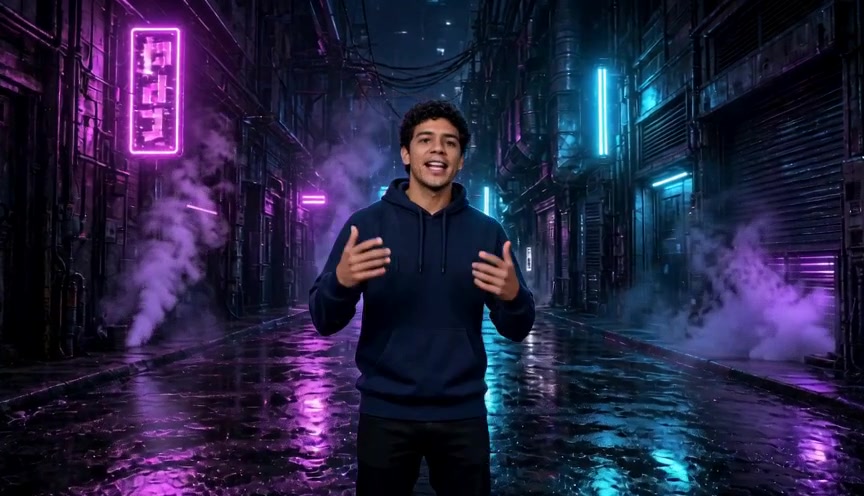
Promotional clips show the best frame. A useful test shows the average result, the failures and the real cost. This page explains how to run that test and what Hookai currently does and does not promise.
Editorial note, October 28, 2026: this is a test protocol and a disclosure of product limits, not a published multi-tool benchmark. We have not invented scores or competitor prices. Run the protocol below with your own photos and the tools you are considering.
What to judge
- Identity. Does the generated performer still look like the person in the photo across the clip?
- Lip-sync. Do mouth shapes follow the vocals closely enough to be believable on a phone screen?
- Motion. Is the performance natural, or do limbs, hands or clothing distort?
- Audio. Is the rap audible and coherent? Is a beat included?
- Resolution and format. Does the export match the platform you are posting to?
- Time. How long does the render take from upload to download?
- Failure behavior. Does a failed render cost credits? Can you retry?
- Cost per usable clip. Include failed attempts, not just the advertised price.
A reproducible test protocol
Use the same inputs for every tool you compare, and write down the conditions.
Photos
- One sharp, front-facing, well-lit photo per performer.
- One harder case: lower light, a slight angle, or an older phone photo.
- One duo case using two separate photos.
- Do not use filters, sunglasses or a group photo for the baseline.
Prompt and settings
- Use the same one-line theme for every tool.
- Keep the default length and resolution for the first run.
- Record the model, resolution, aspect ratio and length.
- Generate at least two clips per condition. One clip is an anecdote, not a result.
Record sheet
| Field | What to record | | --------------------- | --------------------------------------- | | Date and tool version | When the test ran | | Photo conditions | Light, angle, resolution, filters | | Settings | Model, resolution, length, aspect ratio | | Render time | Upload to finished file | | Credits or price | Cost per attempt, including failures | | Identity | 1-5 score and notes | | Lip-sync | 1-5 score and notes | | Motion and anatomy | 1-5 score and notes | | Audio | 1-5 score and notes | | Verdict | Usable, usable with edits, or unusable |
Do not average away the failures. A tool that produces one good clip in five attempts has a different cost per usable clip than one that produces four.
What Hookai does today
- Modes: People (solo, duo or group photo) and Pet.
- Length: 5, 8, 10, 12 or 15 seconds.
- Resolution: 480p or 720p.
- Aspect ratio: 9:16, 16:9 or 1:1.
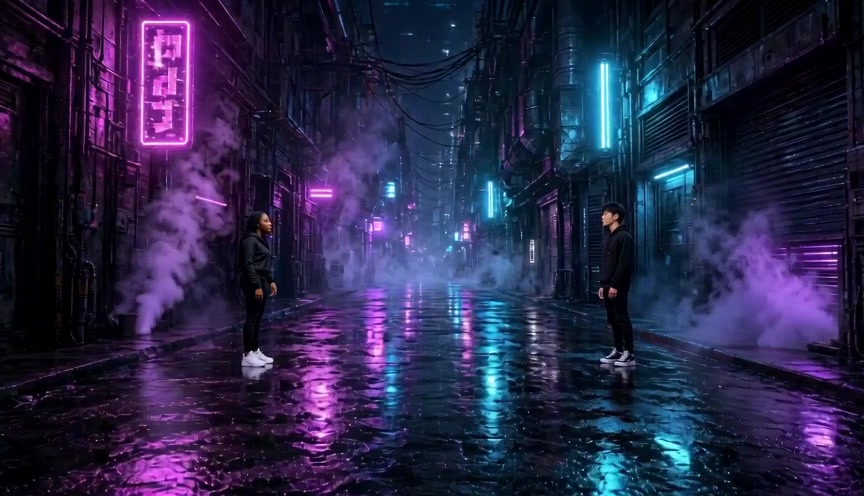
- Scenes: Hotel Lobby (orange), graffiti alley, studio booth, rooftop night, neon alley and court sunset.
- Audio: generated rap vocals and a beat are included in the render.
- Custom audio: not supported in the current studio. Uploading a song or a Suno export is planned.
- Custom lyrics: the theme guides the lyrics; full lyric input is not available.
- Hosting: generated videos are available for 7 days.
- Billing: credit-based; failed renders are not charged.
Cost math you can reproduce
Hookai's credit cost depends on model, resolution and length. At 720p:
- Standard: 1 credit per second. A 10-second clip costs 10 credits.
- Fast: 16 credits per 10 seconds.
- Pro: 18 credits per 10 seconds.
- Ultra: 30 credits per 10 seconds.
- 480p: half the 720p amount, rounded up.
If a 10-second Standard clip costs 10 credits and a pack gives you 11 credits for $9.90, one usable clip costs about $9.00 before any failed attempts. Check the pricing page for current packs and subscription options; prices can change.
The number that matters is cost per usable clip, not cost per render. Add the credits spent on attempts you would not post.
Known limitations
- Identity can drift. Facial details, hair and clothing may change between frames or between renders.
- Hands and anatomy are the weak point. Fingers, limbs and pet anatomy can distort.
- Lip-sync is approximate. It can look convincing at phone size and less convincing frame by frame.
- Short clips only. The studio renders 5 to 15 seconds, not a full three-minute music video.
- No custom audio or full lyrics yet. The rap is generated from the theme.
- Results vary by photo. A blurry, filtered or group photo gives the model less to work with.
- Pet mode is guidance, not identity verification. Fur patterns, eyes and paws can shift.
If those limits matter for your use case, test before buying a large pack. A short, low-cost render is the cheapest way to find out.
How to judge your own result
- Watch the clip once at normal phone size without pausing. That is how most viewers will see it.
- Then watch frame by frame around the mouth and hands.
- Compare the first and last second. Identity drift is easiest to spot there.
- Ask someone who knows the person in the photo whether it still looks like them.
- Decide whether you would post it without explaining that it is AI.
FAQ
How long does an AI rap video take to generate? Hookai usually takes a few minutes. The exact time depends on the model and the queue; the studio shows progress and keeps the result under My Videos.
What resolution do AI rap videos support? Hookai offers 480p and 720p. Other tools may offer different resolutions; check their current documentation.
Why does my AI rap video look distorted? Common causes are a blurry or filtered photo, more than one face in a single photo, fast or complex motion, and a small face in the frame. Try a sharper, front-facing photo with one subject and a simpler action.
Why is the mouth out of sync? Lip-sync is generated and approximate. A clear face, a simpler performance and a shorter clip usually help. If sync is critical, test several clips before committing to a longer project.
Can I improve the quality? Start with a sharp, unfiltered, front-facing photo. Use one subject per photo. Compare a short 480p test before paying for a larger pack. The photo guide covers the inputs in more detail.
Does a failed render cost credits? No. Failed renders are not charged.
Is Hookai the best AI rap video generator? It is one option in the video category. The right choice depends on whether you need lyrics, audio or a performance video. See the category comparison.
Run the test
Open the AI rapper studio, start with a short Standard clip, and record the result before buying more credits. For the broader workflow, read how to make an AI rap video.